How to use the Book and Audiobook Library
Our library contains both Ebooks to read and Audiobooks to listen to. You can switch between them easily on any of your devices!
1 Getting Started
🌐 Using a Web Browser: (On your computer or phone)
Tap or click here to open the library: books.bunnyhaus.com
📱 Using the Phone App:
- Download the "Audiobookshelf" app from the Apple App Store or Google Play Store.
- Open the app. It will ask for a Server URL.
- Tap the box below to copy the address, then paste it into the app:
2 Reading vs. Listening
Click on any book cover you like. You will see two main buttons:
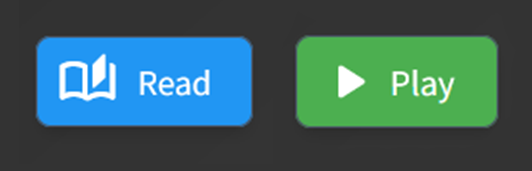
- Read: Opens the Ebook like a digital book so you can read the text.
- Play: Starts the Audiobook so you can listen to the narrator.
3 Never Lose Your Place
The library automatically bookmarks your progress for both Ebooks and Audiobooks.
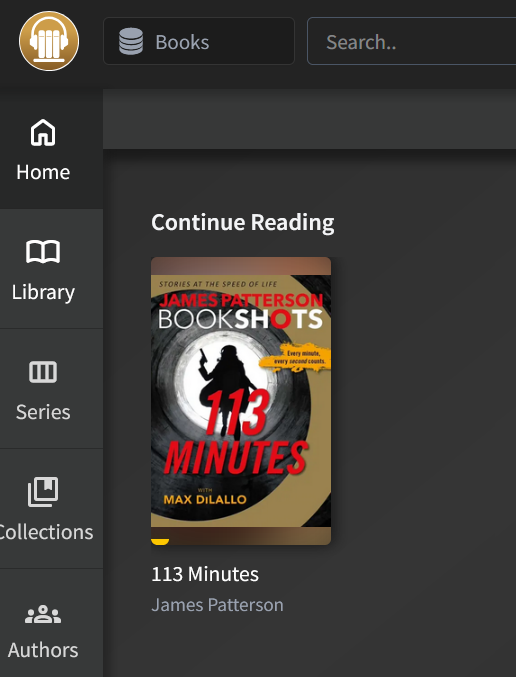
Look for the "Continue Reading" row at the top of your home screen to jump right back in exactly where you left off.
4 Making Words Easier to See
While a book is open, tap the Gear Icon (Settings) to change how the book looks.
You can make the text larger or pick "Sepia" (the cream color). This is much softer on the eyes for reading at night!
5 Downloading for Offline Use
If you won't have an internet connection (like on a plane or in the car), you can download a book ahead of time:
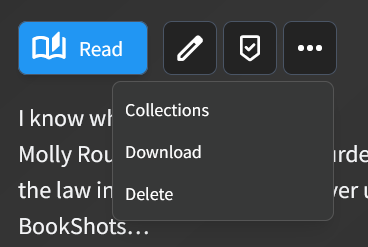
Tap the three dots (⋮) on a book cover and select Download.
Want a specific book?
If there is a book or audiobook you've been wanting to read, please let Bunny know!