How to use Jellyfin
Jellyfin is our private movie theater. You can watch all our Movies and TV shows on your computer, phone, or any TV in your house!
1 Getting Started
🌐 On a Computer:
Go to Movies & TV shows here: jellyfin.bunnyhaus.com
📱 On your Phone, Tablet, or TV:
 Look for the Jellyfin app in your device's app store. Download and open it.
When it asks for a Server Address, tap the box below to copy it, then paste it in:
Step 2: Signing In
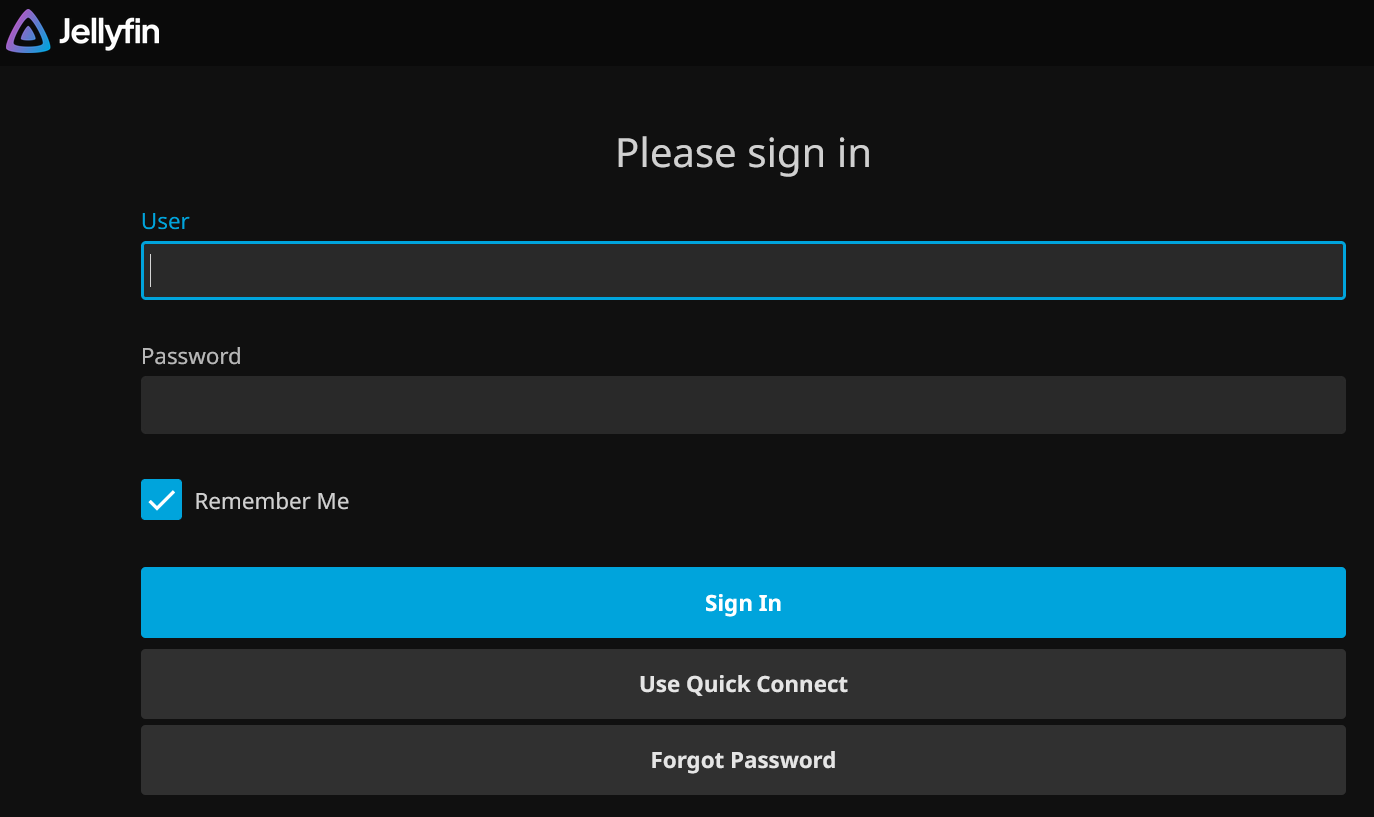
Once connected, enter your Username and Password. Make sure "Remember Me" is checked so you stay logged in!
2 Navigating the Library
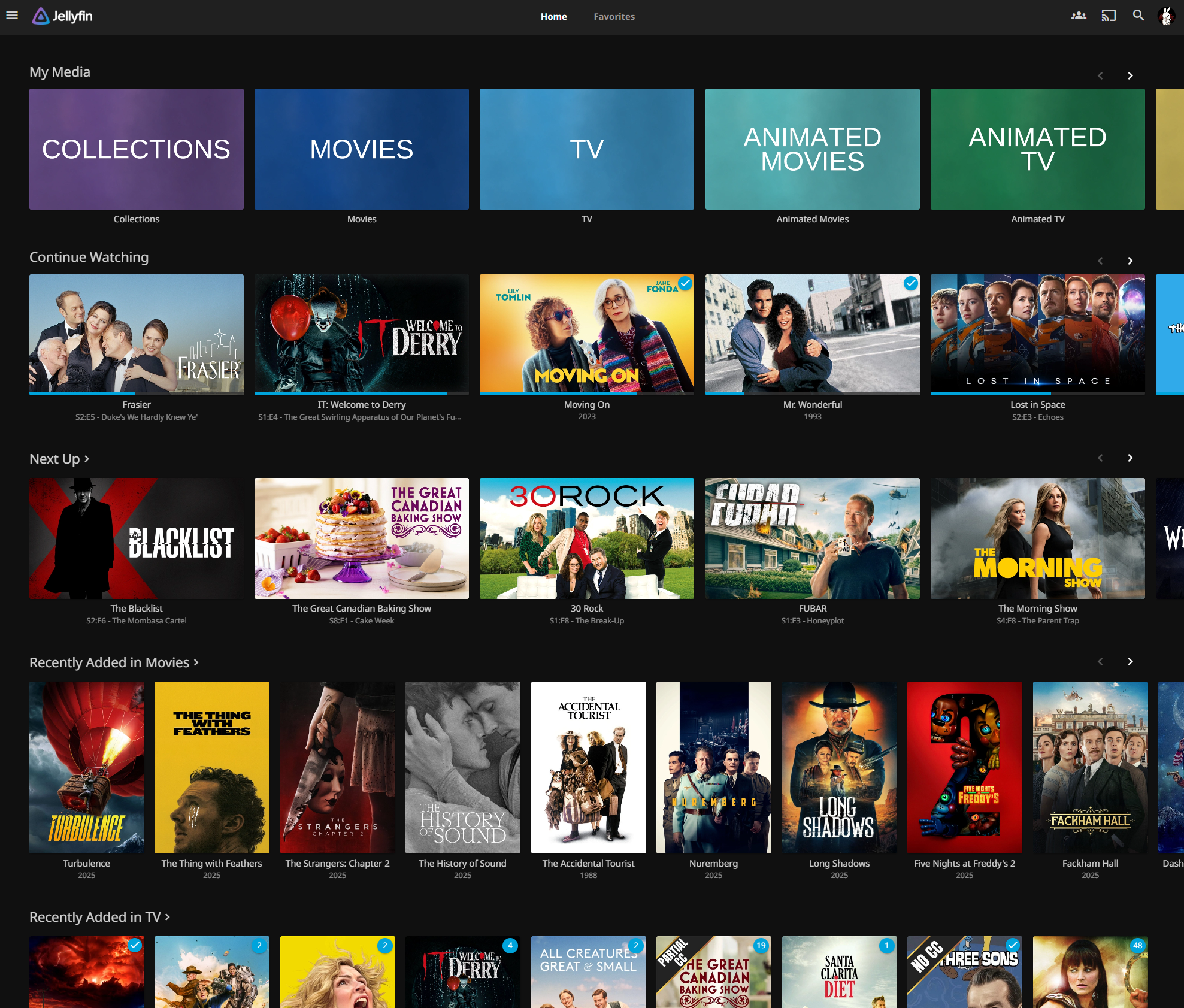
At the top of the home screen, you will see "My Media." These are different categories in our library including Movies, TV, DocuMovies and Series, and more!
3 Understanding Collections
We use Collections to group things together. If a movie has a sequel (like Harry Potter or Star Wars), the whole series is kept in one convenient folder so you don't have to hunt for them.
4 Searching for a Movie
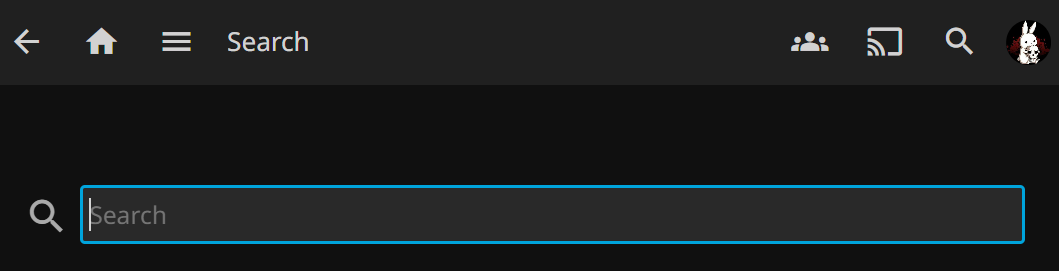
Tap the Magnifying Glass icon at the top and type the name of the movie you want.
5 Fix "Freezing" or Buffering
If the movie stops to load, your internet might be struggling. You can fix this while the movie is playing:
- Tap the Gear Icon (Settings).
- Tap Quality.
- Pick 720p - 4 Mbps (or lower).

Want to watch something new?
If there is a movie or TV show you want but don't see here, please let Bunny know!