How to listen to Music
We keep all our favorite albums and artists in a private library called Navidrome. It's like having our own family Spotify!
1 Recommended: Using the Phone App
Best Experience
 Symfonium (Phone App)
The standard music player can be a bit basic. We highly recommend downloading Symfonium from the Google Play Store or Apple App Store.
- Why use it? It is much easier to use, looks beautiful, and works perfectly in the car.
- Cost: It costs a small one-time fee (around $7-$9), but it makes the library much easier to understand!
How to set it up:
- Open Symfonium and tap Add Provider.
- Select Navidrome from the list.
- Tap the box below to copy our address, then paste it into the "Server URL" box in the app:
https://music.bunnyhaus.com
Tap to Copy
Login: Use the Username and Password Bunny gave you.
2 Quick Access: Web Browser
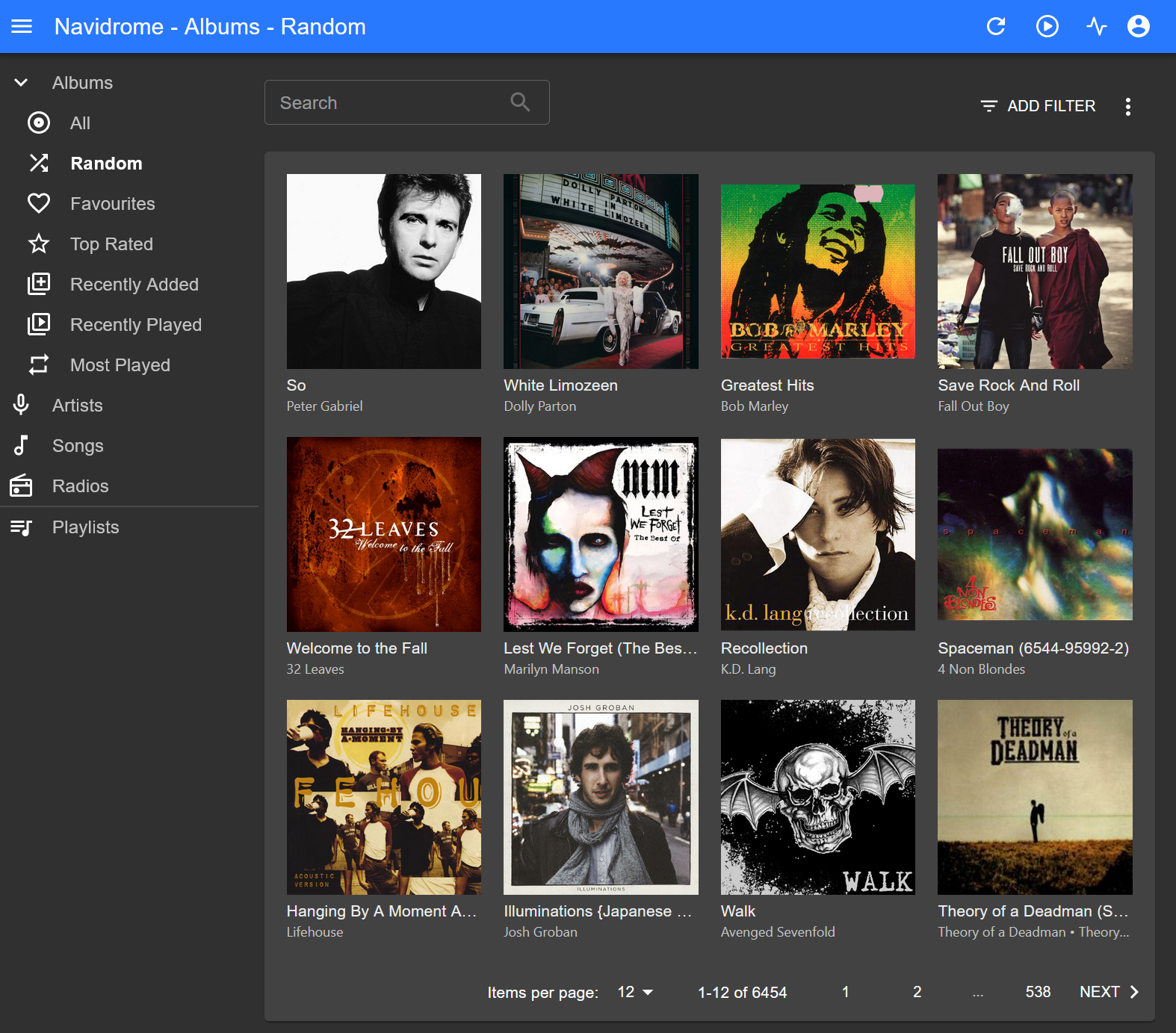
If you are on a computer or just want to listen quickly without an app, use the website:
Tap or click here: music.bunnyhaus.com
💻 For Computer Users (Pro)
For your Laptop or Desktop, we recommend Feishin. It looks and feels just like Spotify!
Download the installer for your computer:
Setup Tip: When you open Feishin, choose "Navidrome" as the server type. Use the same URL and login you use for the phone app!
Missing a song or artist?
If there is an album or a specific artist you’d love to have in your collection, please let Bunny know!