How to use Plex
Plex is our private family collection of Movies, TV Shows, and Music. It's like having our own private Netflix and Spotify all in one place!
1 Signing In
🌐 On a Computer or Phone Browser:
Tap here to go straight to our library: plex.bunnyhaus.com
📺 On a Smart TV or the Phone App:
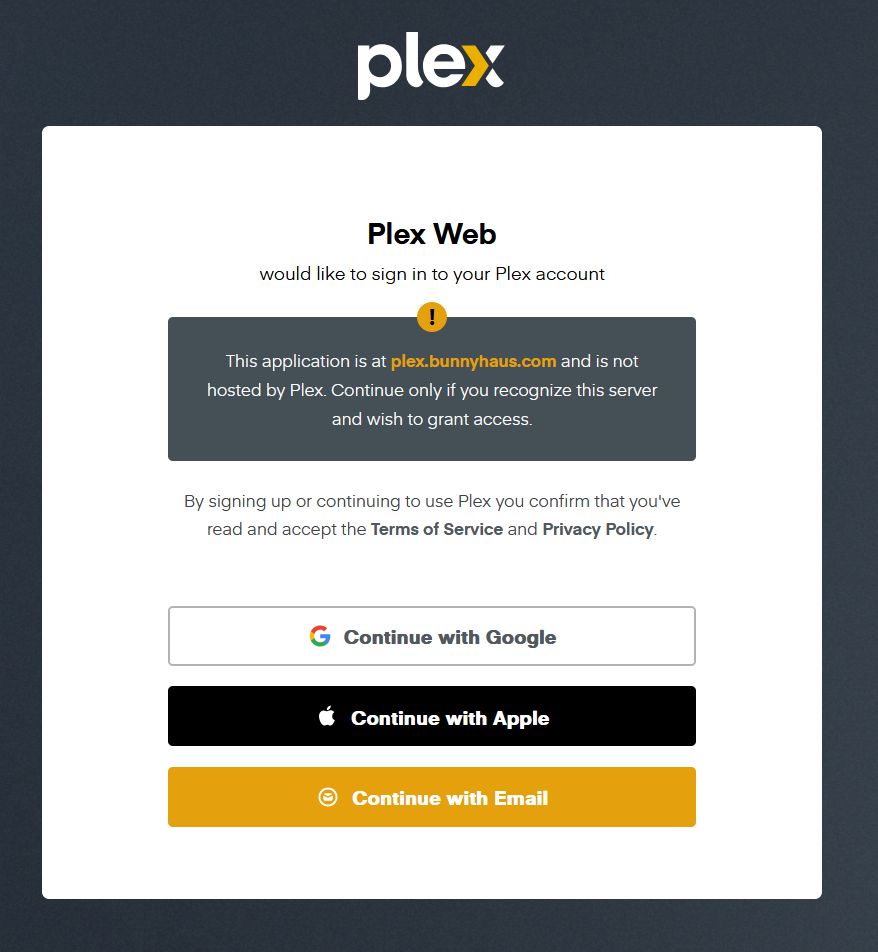
A. Choose "Continue with Email": Click the Email button and type in the login Bunny gave you.
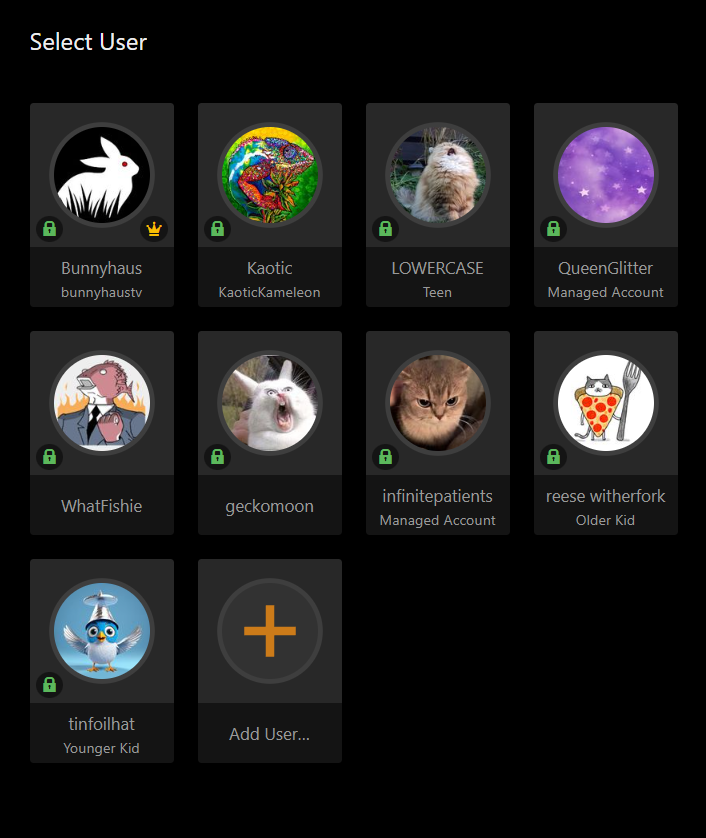
B. Pick Your Name: Once signed in, tap on your name and enter your secret 4-digit PIN.
2 Finding Our Library (BunnyHausV2)
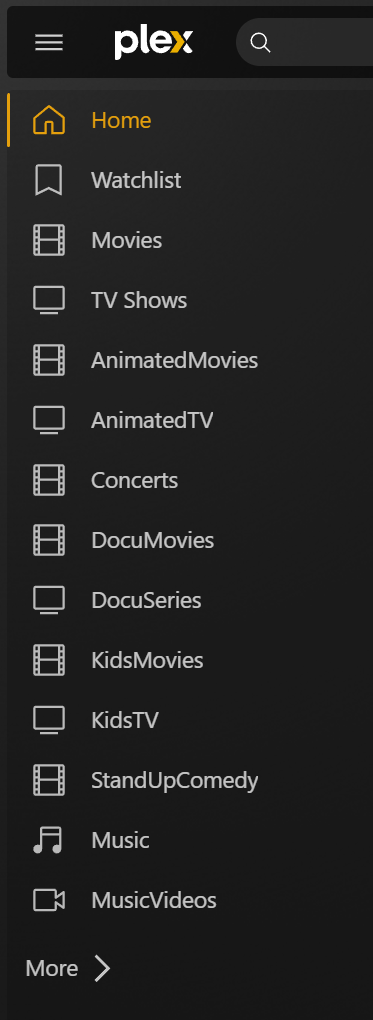
Plex shows "Free" movies from the internet that have commercials. To see our private, commercial-free movies, look for the name "BunnyHausV2" in the menu.
3 Searching Everything
Tap the Magnifying Glass icon and type in what you want to watch or hear.
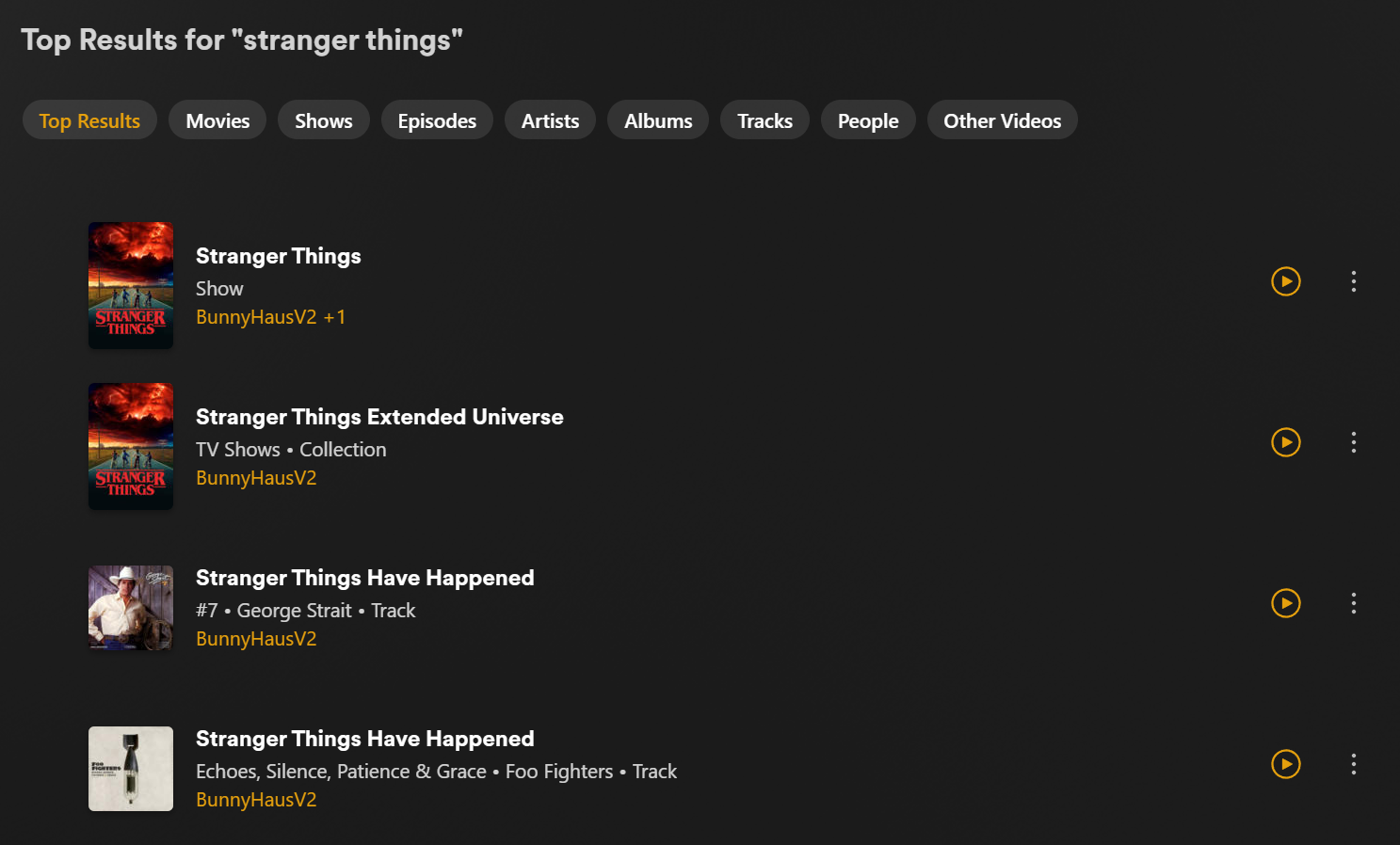
The results will show you any Movie, TV Show, or Song that we have saved for you.
Missing something?
If there is a movie, TV show, or song you want that isn't in the library yet, please let Bunny know!