How to use Mealie Recipes
Mealie is our family's digital cookbook. It lives on our home server, so you won't find it in the App Store—it's always right here in your web browser!
Open Your Cookbook:
Tap or click here: recipes.bunnyhaus.com
https://recipes.bunnyhaus.com
Tap to Copy URL
1 Adding it to your Home Screen
Since this isn't in the App Store, you can "pin" it to your phone so it opens just like an app:
- On iPhone: Open the link in Safari, tap the Share icon (the square with an arrow), and select "Add to Home Screen."
- On Android: Open the link in Chrome, Brave, or your preferred browser. Tap the three dots or menu and select "Install App" or "Add to Home Screen."
2 Adding a New Recipe the Easy Way
Found a recipe on a blog or news site? Don't bother typing it out!
- Copy the link (URL) of the recipe from the website where you found it.
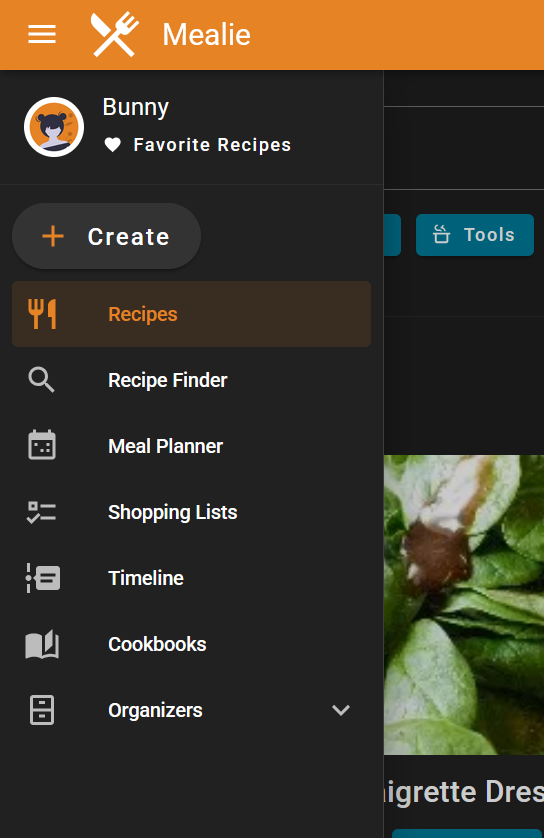
- In Mealie, tap the "+" (Plus) button.
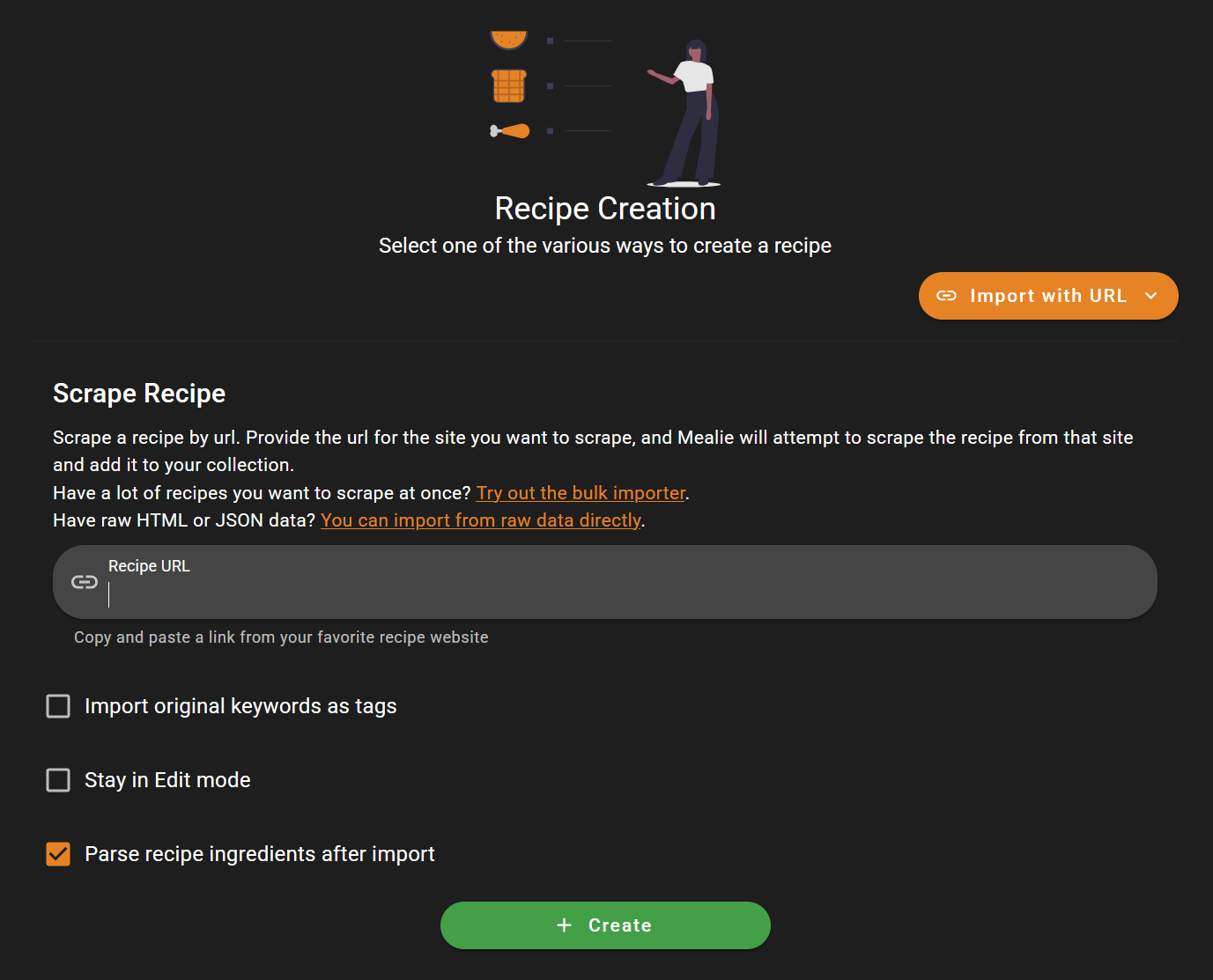
- Select "Create with URL" and paste your link.
- Tap Create. Mealie will automatically grab the photos, ingredients, and steps for you!
3 Shopping Lists & Planning
You can add ingredients from any recipe directly to a digital shopping list. When you're at the store, just check them off on your phone!
Pro Tip: If you use the "Meal Planner" to pick your dinners for the week, Mealie can combine everything you need into one single shopping list automatically.